Tesla Custom Lock Sound: LockChime.wav and Boombox Setup Step by Step
Set a custom Tesla lock sound: USB drive, LockChime.wav, Toybox and Boombox steps, requirements and fixes when it doesn’t work.
You can swap the short chime your Tesla plays when it locks for a sound of your choice. All you need is a USB drive, a correctly named audio file and a few taps. Here are the steps and the most common mistakes.
What you need
- External speaker (PWS): If the car makes a sound outside at low speed, it has one. Some older cars do not support the feature.
- Software: Sources point to software 2023.44.30 or later. On older versions the menu may not appear.
- Audio file:
.wavformat, smaller than 1 MB, namedLockChime. A short sound of a few seconds works best. - USB drive: A FAT32 or exFAT drive generally works.
Step by step
- Copy the file as
LockChime.wavto the root of the USB drive. If it sits inside a folder, the car may not find it. - Plug the drive into the glovebox USB port. On many newer models the ports in the center console are charge-only.
- Open Toybox from the apps at the bottom of the screen.
- In Boombox, find Lock Sound and choose USB.
- Lock the car and listen.
If it doesn’t work
- Check the name and extension; a double extension like
LockChime.wav.wavis common. - The file must be at the top level of the drive, not in a folder.
- If you remove the drive, the car falls back to the default sound; leave it plugged in.
- Some owners report that temporarily turning off Sentry Mode helps.
- If the lock sound is switched off in Boombox, neither the custom nor the default sound plays.
Choosing a sound
It plays outside, so keep it short, polite and neighbor-friendly. Avoid copyrighted music or movie clips; use your own recording or a freely licensed sound, and respect local noise rules.
Want sound inside the cabin too?
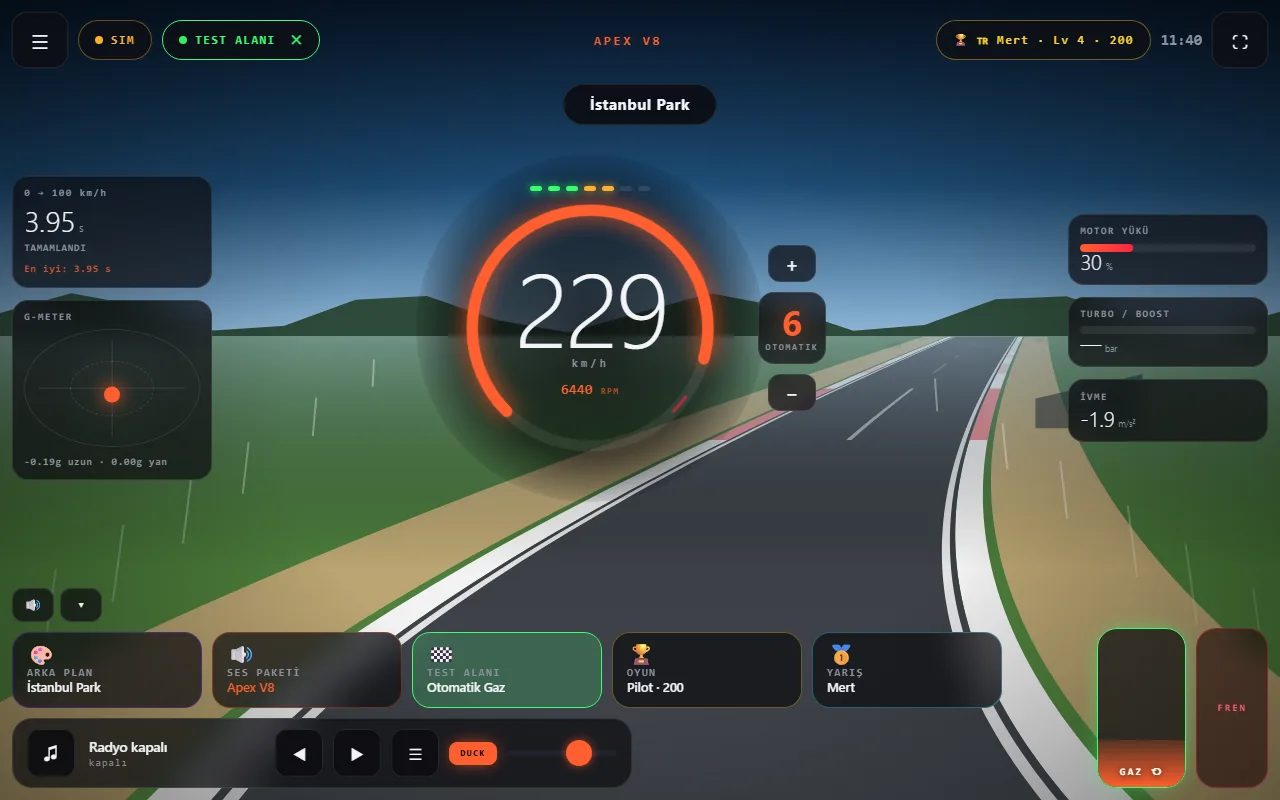
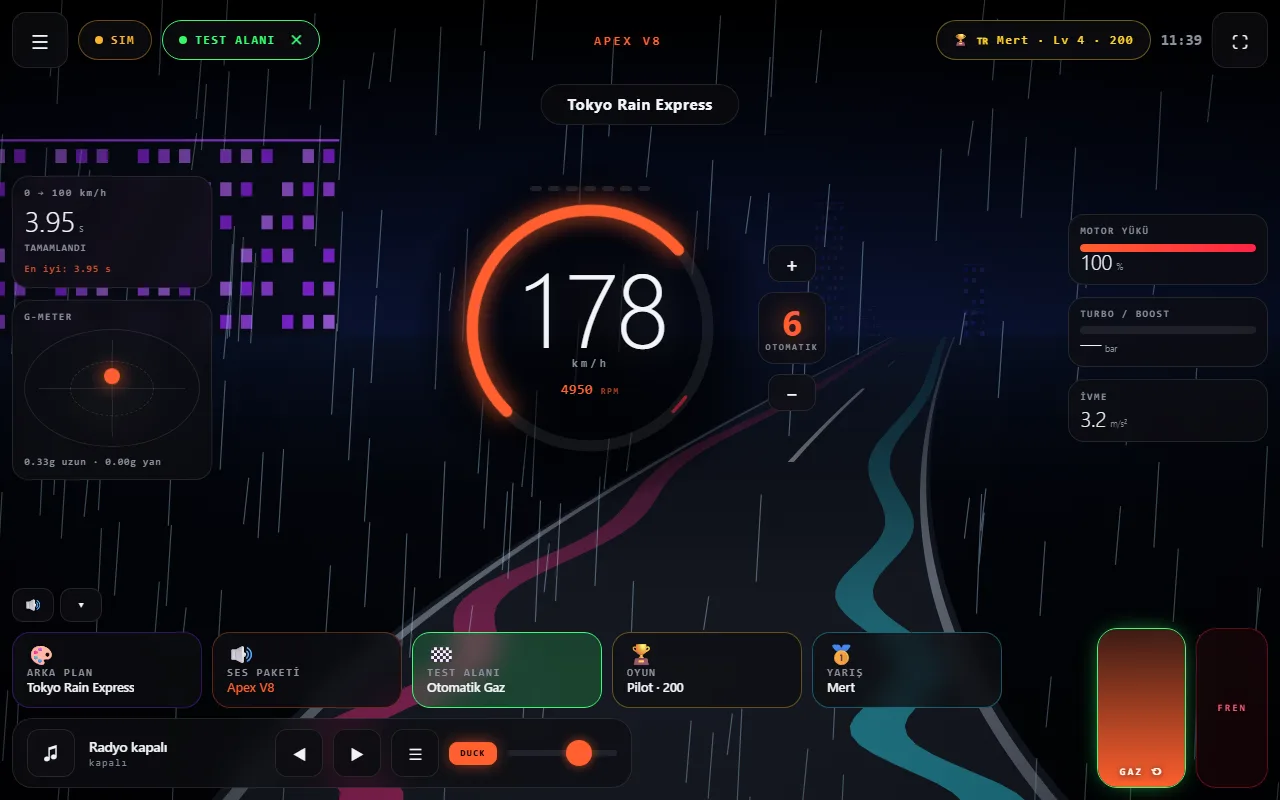
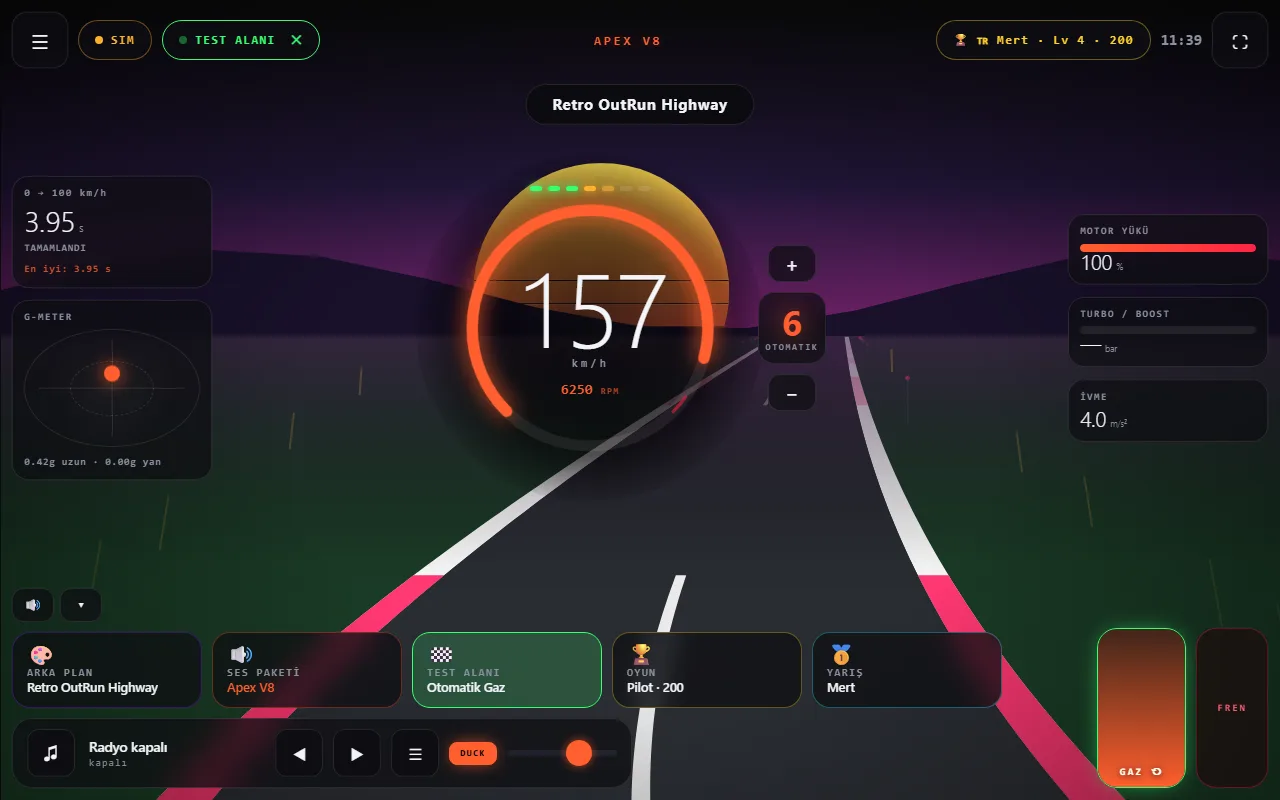
The lock sound plays outside. For an engine sound inside the car while driving, see how to change Tesla sounds and the free Wind Asist Drive web app.
From drivers: people trying it in their cars
Two drivers tried Wind Asist Drive in their Tesla’s browser and filmed it. The videos are embedded from Instagram and belong to their respective accounts.
@safak.tozar — Watch on Instagram ↗ · @elektrikligurme — Watch on Instagram ↗
Frequently asked questions
What file format does the Tesla lock sound need?
A .wav file smaller than 1 MB, named LockChime, placed in the root of the USB drive and not inside a folder.
Why don’t I see the Lock Sound option?
Your car may lack the external pedestrian warning speaker or run older software. Sources point to software 2023.44.30 or later, and the menu path can differ by model.
What happens if I unplug the USB drive?
The car goes back to the default lock sound. Leave the drive plugged in for the custom sound to play.
Does Boombox work while driving?
No. Playing sounds outside while driving was disabled for safety reasons; it works when the car is parked.