Engine Sound for Electric Cars and Tesla: Add It Without Hardware (Browser App)
Add a V8 or rally engine sound to a Tesla or any EV with no hardware: a free browser app that reads GPS speed and synthesizes sound in real time.
Electric cars are quiet, which is often a plus and sometimes a loss: nothing answers when you press the accelerator. People searching for engine sound for Tesla or any EV usually want something simple: a sound that rises as you speed up, falls when you lift off, and shifts gears. This guide shows how to get it without any hardware, using only the car’s browser or your phone.
Three ways, one much easier
| Method | What it takes | Pros / cons |
|---|---|---|
| External sound device (speaker + OBD/CAN) | Hardware, installation, sometimes removing trim | Real exhaust position; expensive, may affect warranty, doesn’t fit every car |
| Phone app from a store | Phone, Bluetooth | Easy; phone stays on, app store and permissions, many are paid |
| Browser-based web cockpit | Only the car’s browser | No installation, free, on the car’s own screen; works offline once loaded |
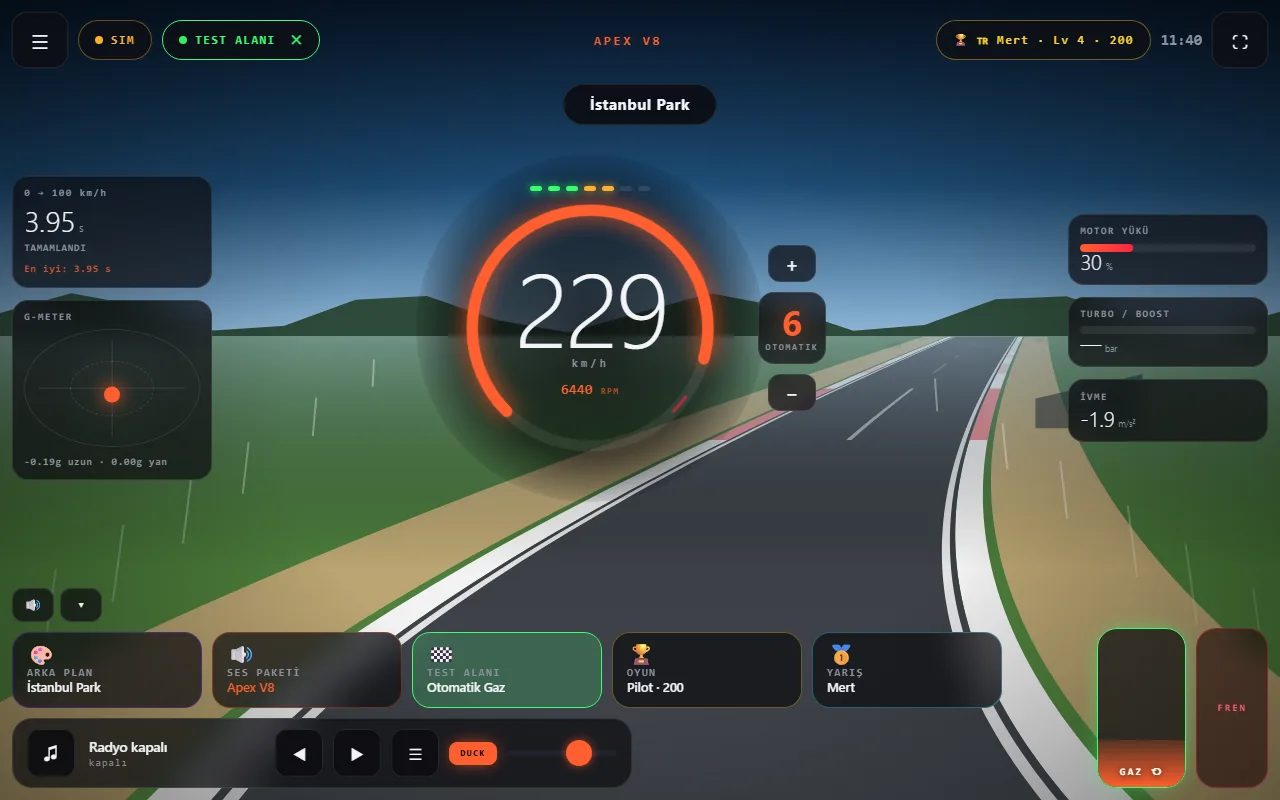
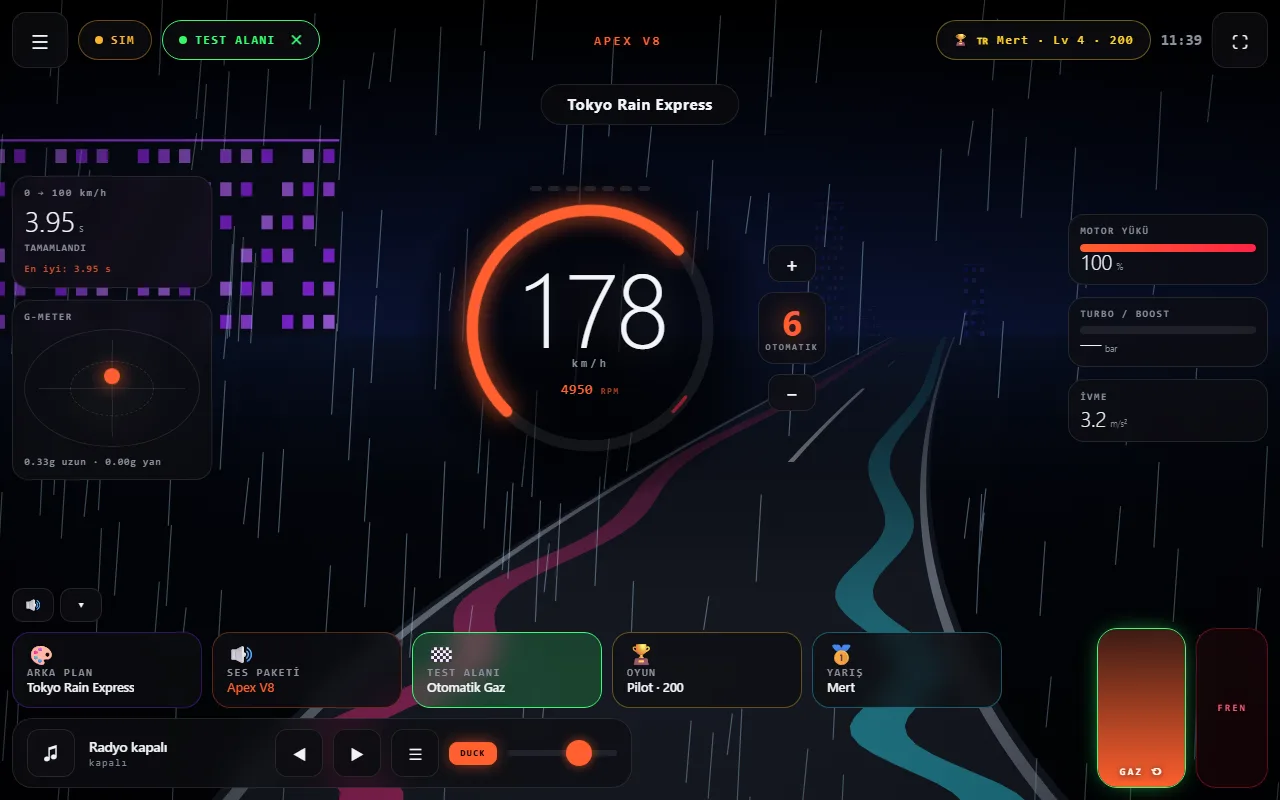
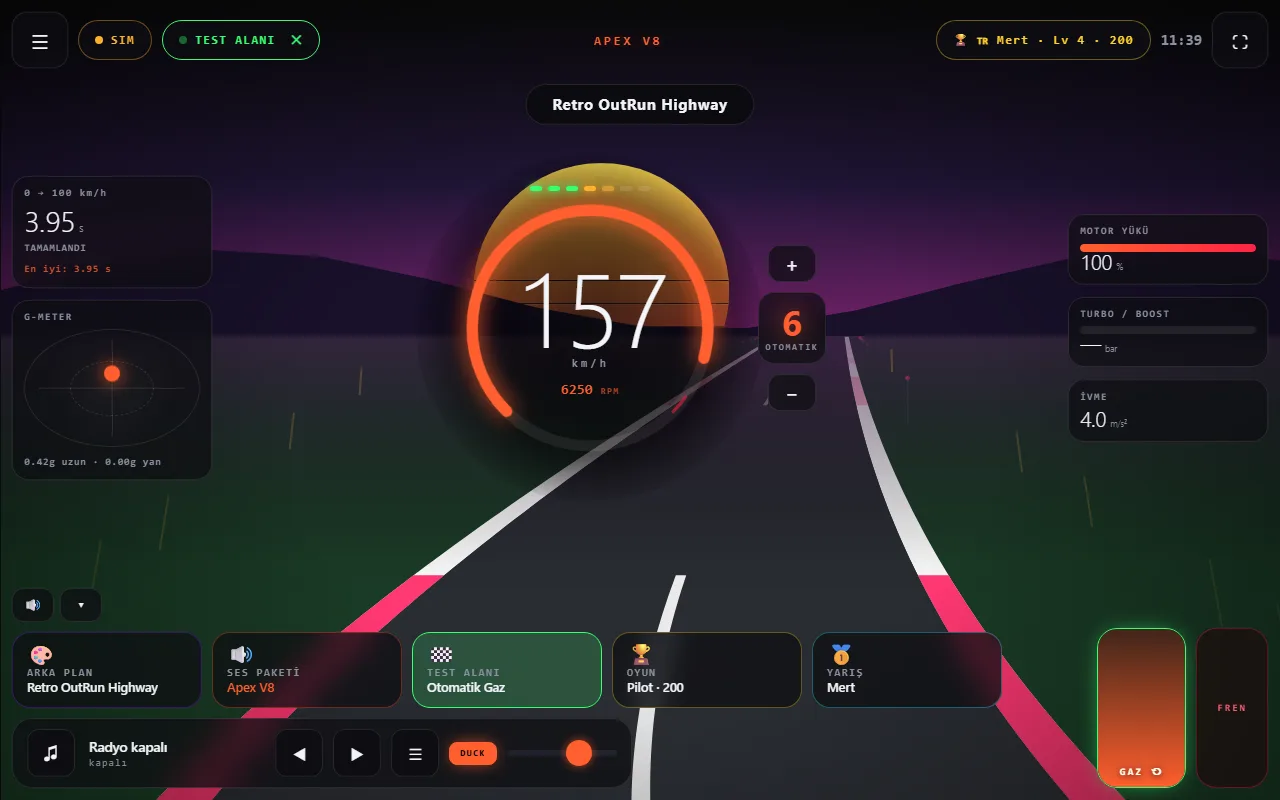
Wind Asist Drive takes the third route. Open windasist.com in the car’s browser and it reads GPS speed and synthesizes an engine sound in real time. RPM rises with speed, a virtual gearbox shifts, and lifting off can trigger exhaust pops. A road animation scrolls in the background.
Setup in 60 seconds
- With the car parked, open the browser and type
windasist.com. - Choose a start mode: Engine Sound, Engine + Radio or Radio only.
- Tap START ENGINE and confirm the safety notice.
- Allow location access. When the badge shows
GPS, speed is coming from the car. - Set the car’s volume; browser audio uses the media channel.
Which sound?
There are many sound packs, from V8 to rotary and from turbo GTR to a futuristic jet. The app does not play recordings; it synthesizes sound from the firing order of each engine type, so packs genuinely sound different.
Safety
The app is designed for use by a passenger while driving. Do not interact with the screen while the car is moving, and keep the volume low enough to hear traffic. Driving safety is always the driver’s responsibility.
From drivers: people trying it in their cars
Two drivers tried Wind Asist Drive in their Tesla’s browser and filmed it. The videos are embedded from Instagram and belong to their respective accounts.
@safak.tozar — Watch on Instagram ↗ · @elektrikligurme — Watch on Instagram ↗
Frequently asked questions
Do I need to install a device to add an engine sound to my EV?
No. Wind Asist Drive runs in the browser and reads speed from GPS. No OBD-II adapter, cables or external speaker is needed.
Does it work in the Tesla browser?
Yes, it was designed for Tesla’s Chromium-based browser. It starts in one tap, asks for location permission and runs full screen on a black background. Without location it works in simulator mode with an on-screen pedal.
Will it affect my warranty?
No. Nothing is connected to the car and no setting is changed; you only open a web page.
Is it free?
Yes, free, with no account or sign-up.